Vizier presentation builder
Creation of a UX concept and design of a startup platform that drastically facilitates the process of creating texts and presentations.
The Problem
According to statistics, more than 60 percent of people have difficulties with structuring their thoughts into text. The problem is especially relevant for students, schoolchildren and young professionals of humanitarian processions who regularly need to make a report or presentation.
The creators of the Vizier startup would like to help people solve this problem by simply offering to "Answer the questions model".
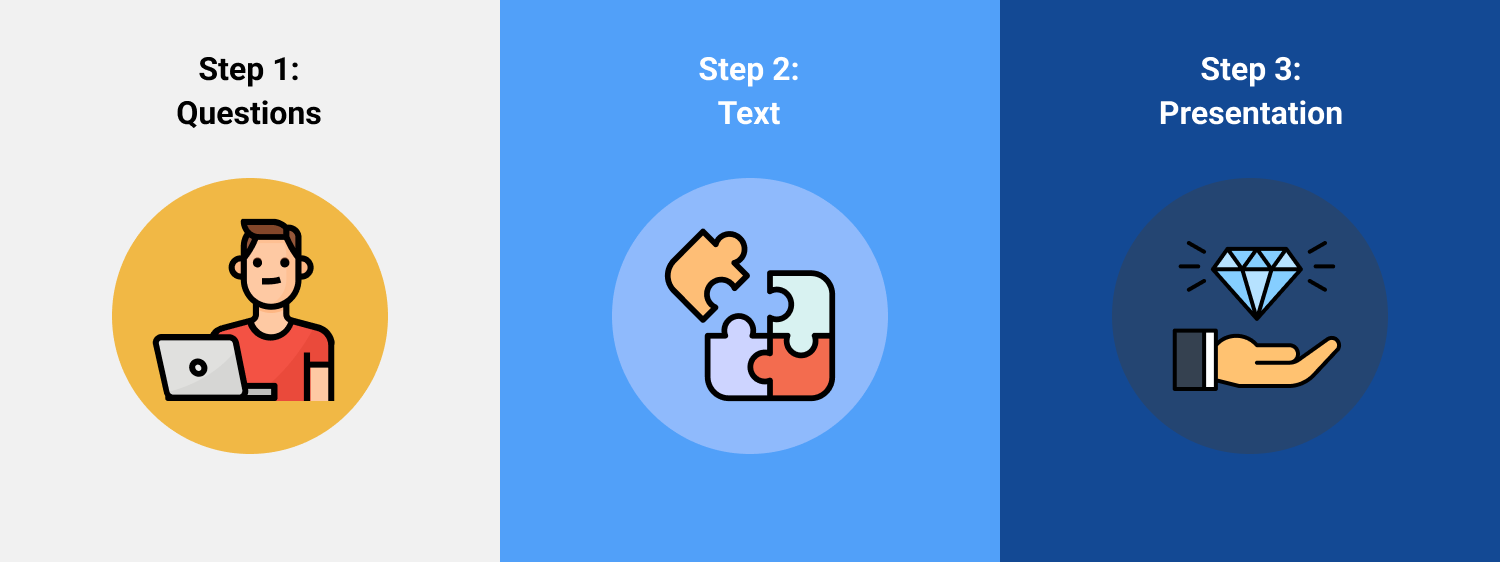
We initiated work from this 3 steps concept:
UX research
- Together with the authors of the Q&A idea from Vizier, we started interviews with various ideal users.
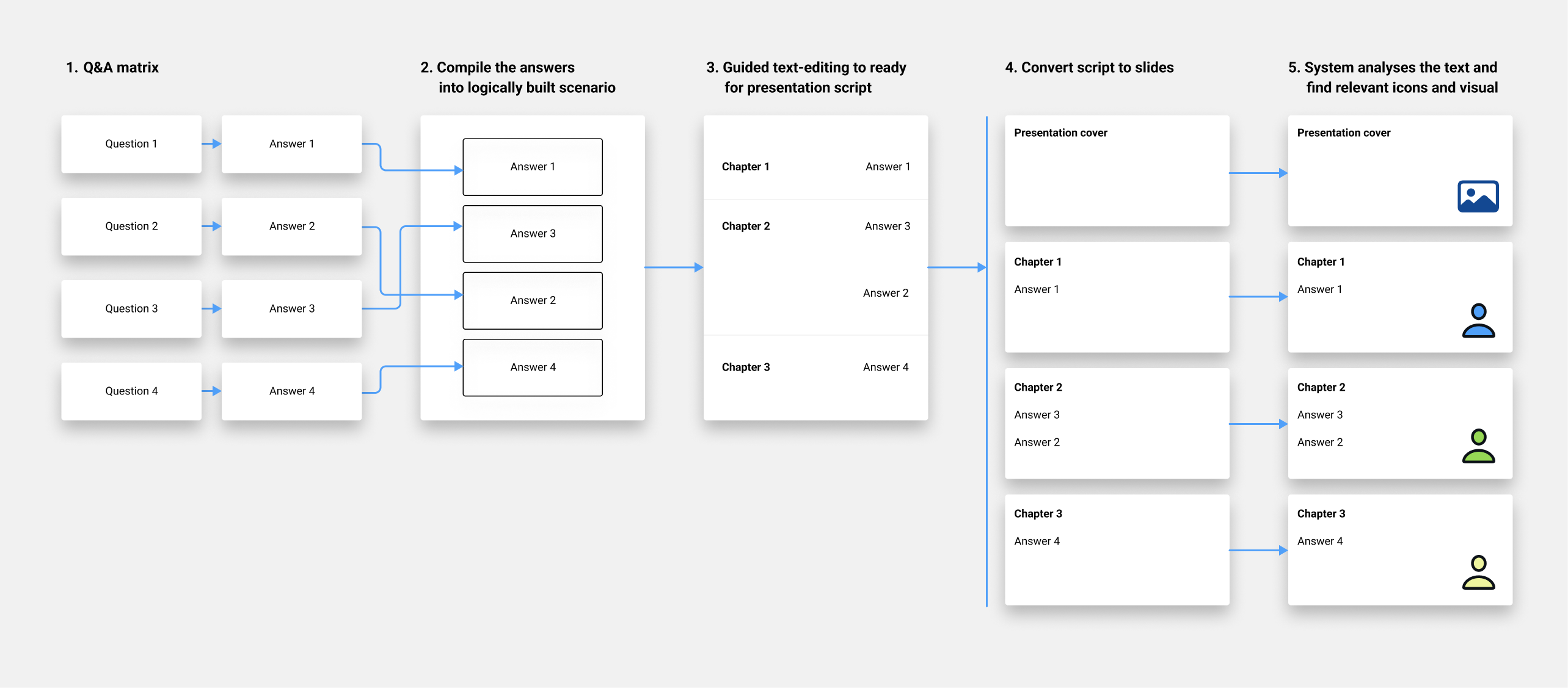
- The analysis of the answers made it possible to develop the mechanics of how questions can be converted into a ready-made script text.
- At the same time, the structure of the questions and their sequence in the finished script did not always coincide, because it turned out that it was easier for people to answer according to a different logic.
First detailed prototype:
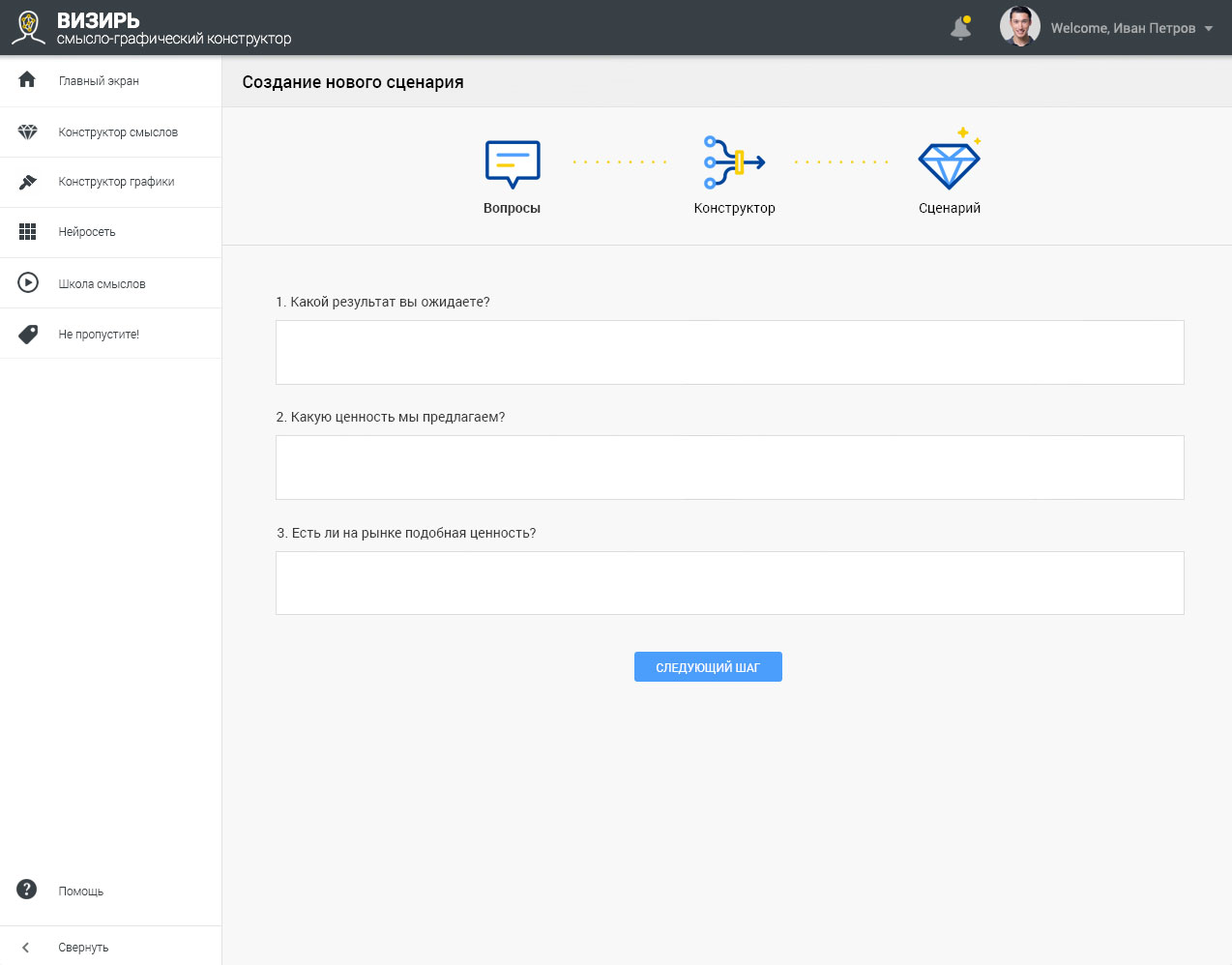
Usability testing of the prototype showed that many users still have complications with structuring text.
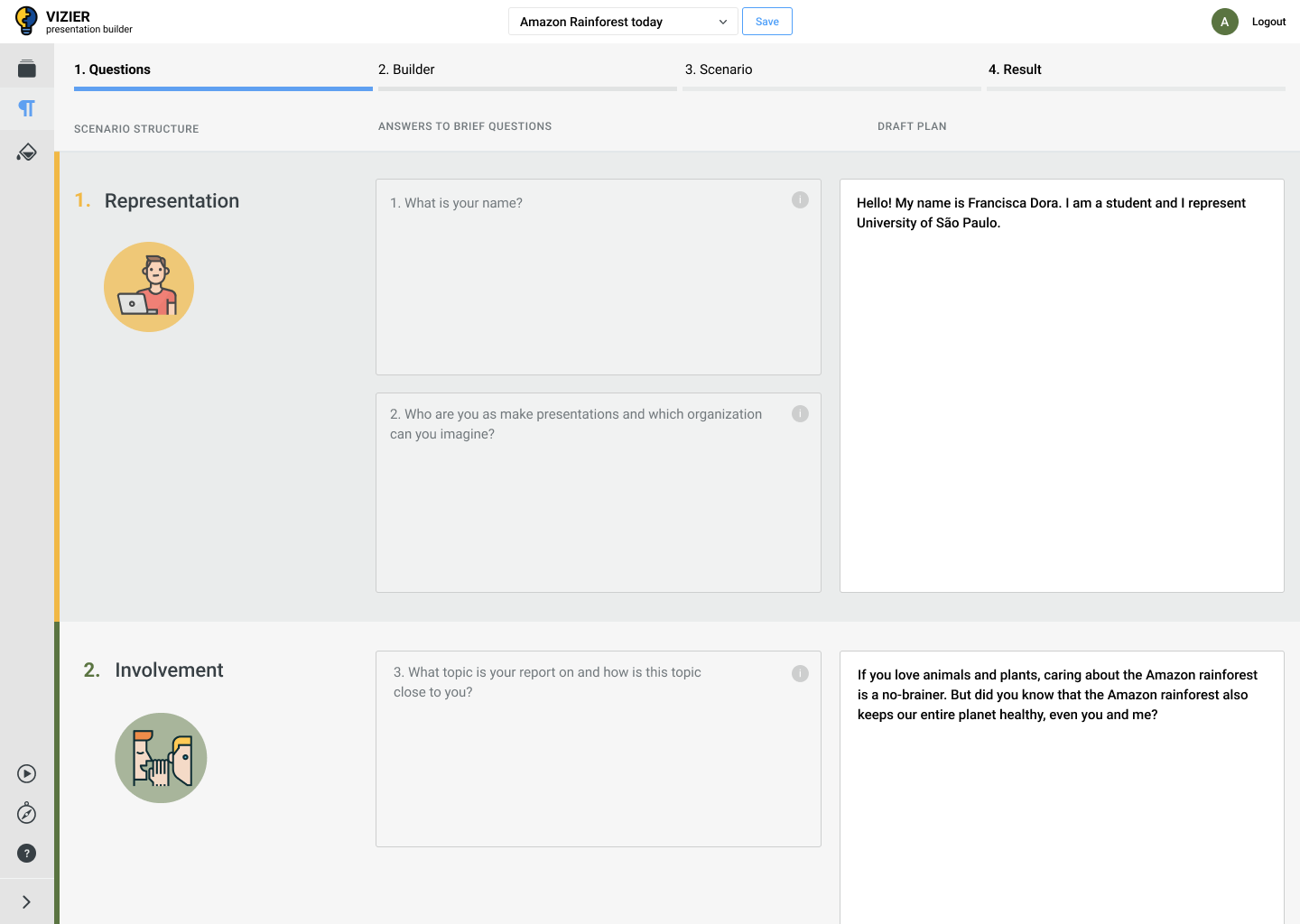
The solution to the problem was the addition of hints when editing. In addition, we have shown the initial questions, which makes it easier for users to work.
After these adjustments, people no longer experience issues with the interface.
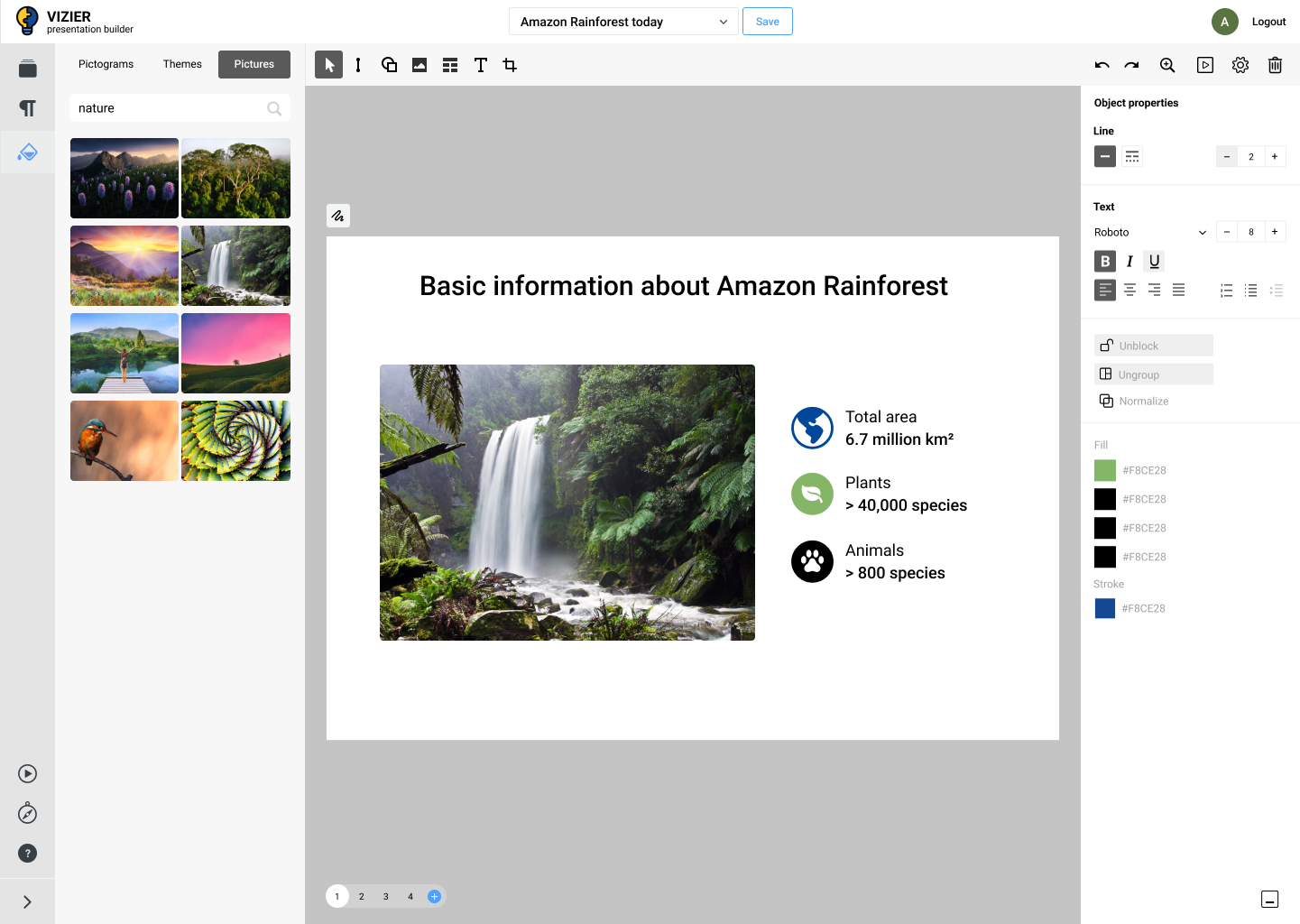
Another noted problem was the difficulty of finding images for the presentation - I offered to include automated visual search in the overall UX of the platform.
Final structure:
Onboarding and user-flows
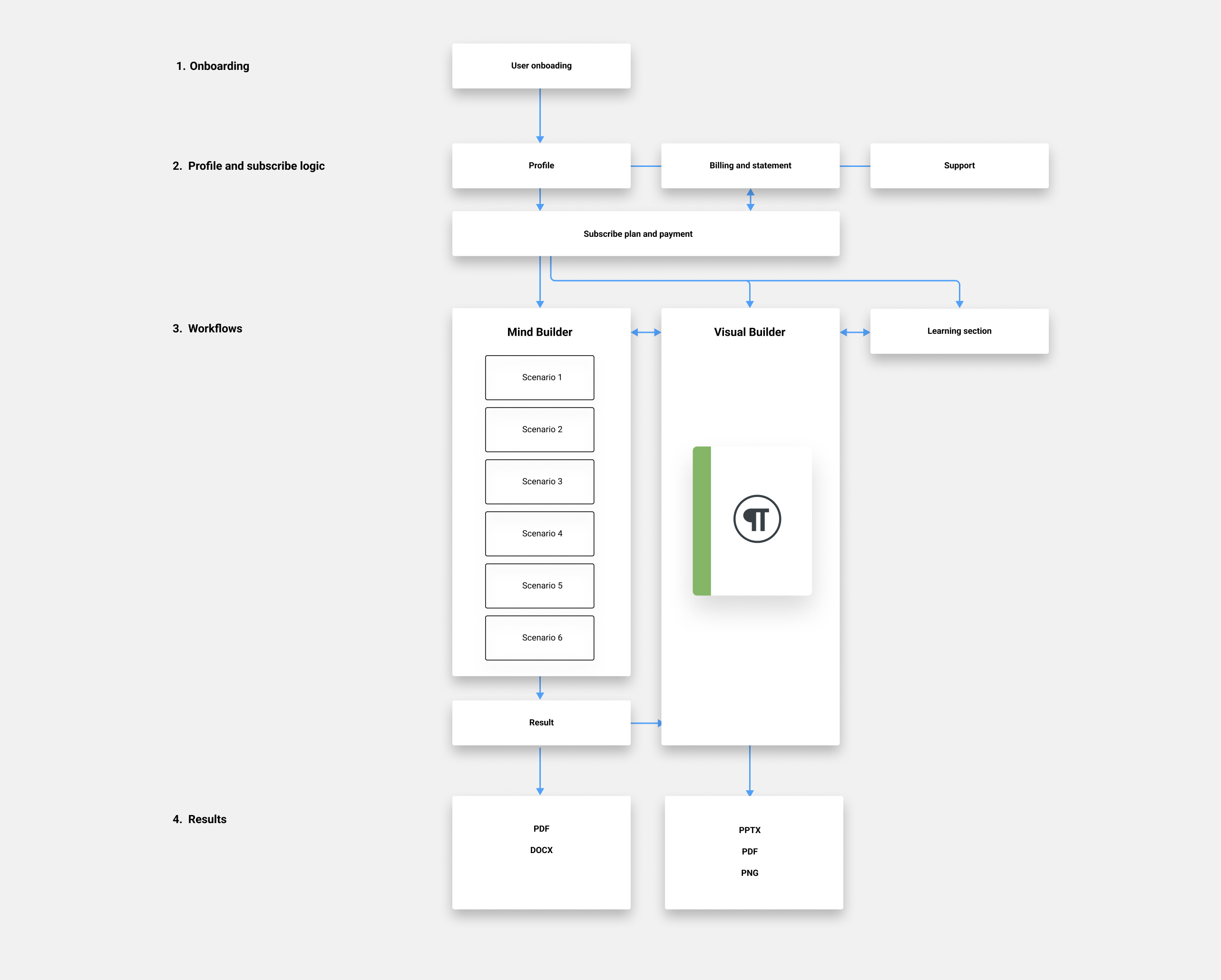
The next step was to finalise and test all the main user-flows in the platform and also onboarding process for new users.
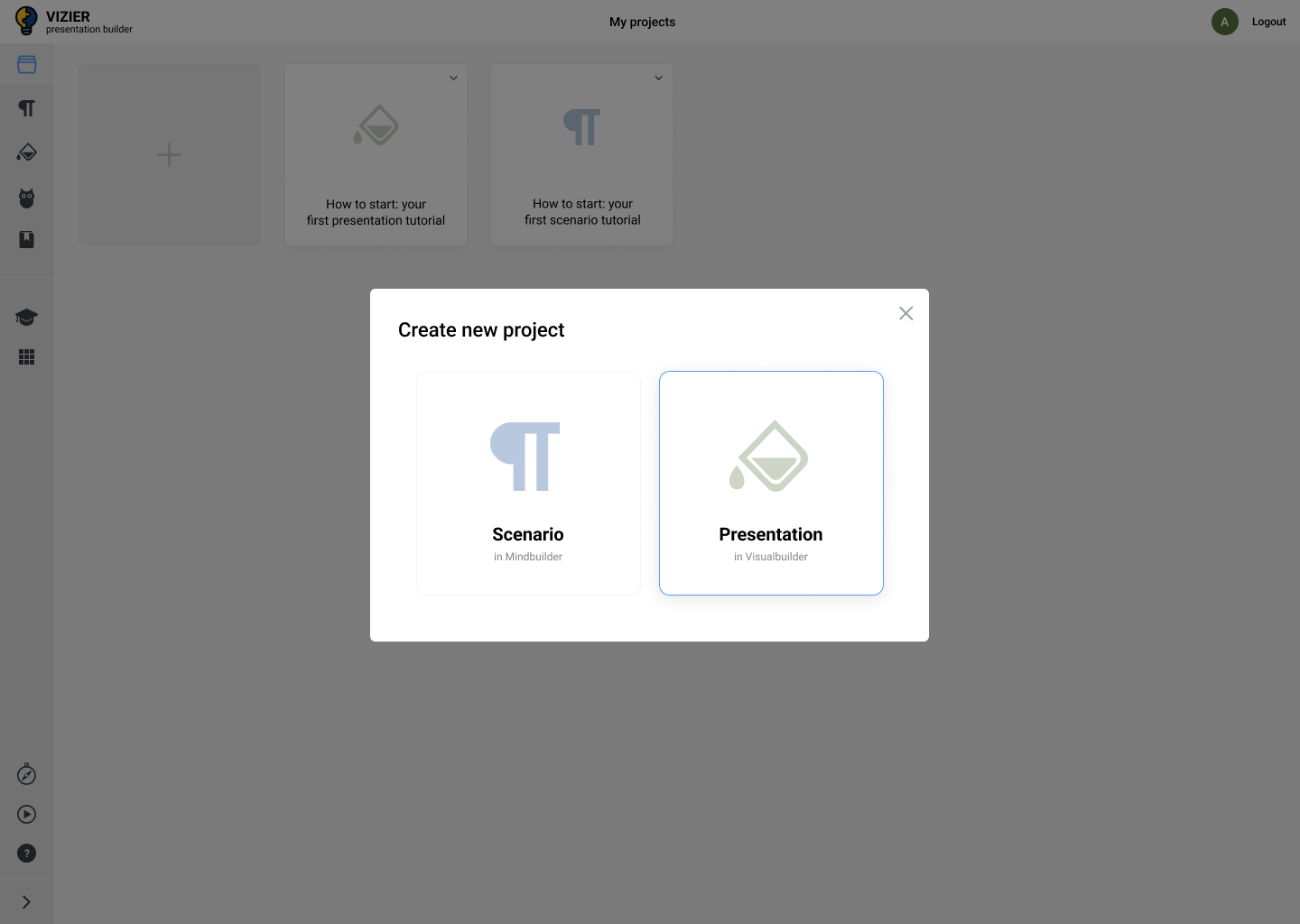
Not all users wanted to create both text and presentation. Therefore, we divided the inventory into 2 main tools: Mind Builder and Visual Builder.
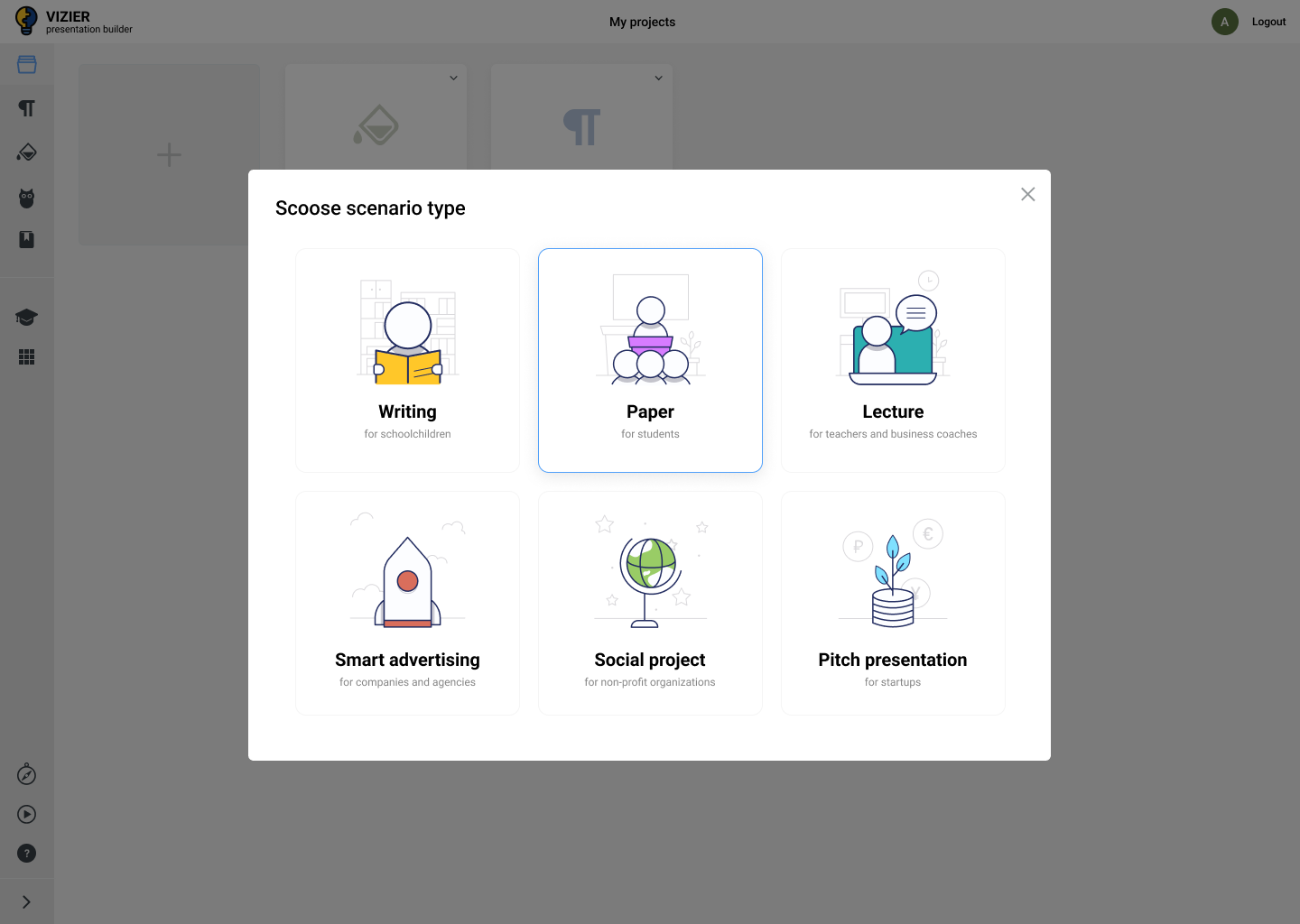
We also created 6 types of different scenarios based on different Q&A.
Final information architecture for public part of the project:
User interface design
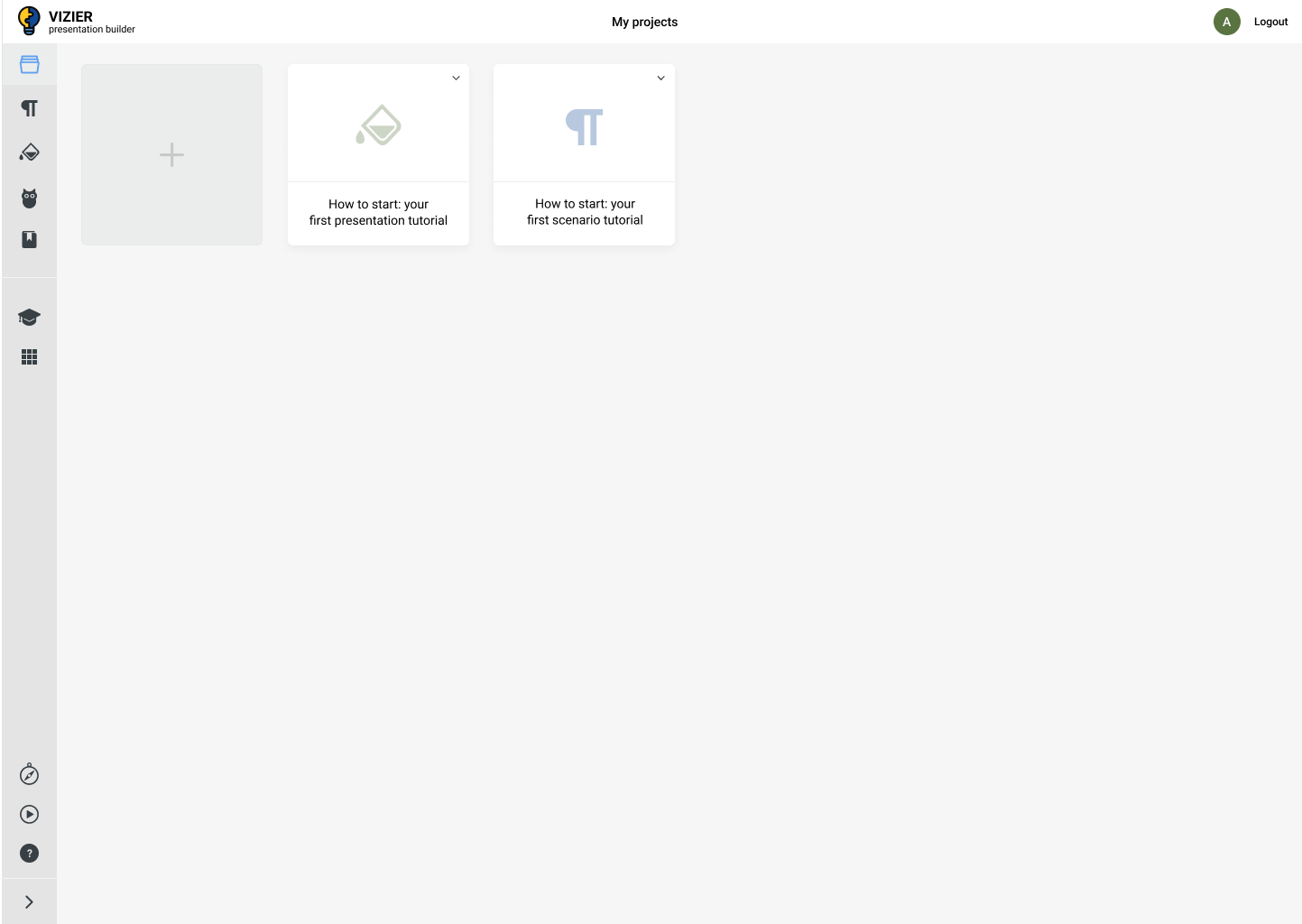
When we understood all UX basics, I started working in the role of UI designer. I created design system and high-fidelity designs for public and administration parts of the system.
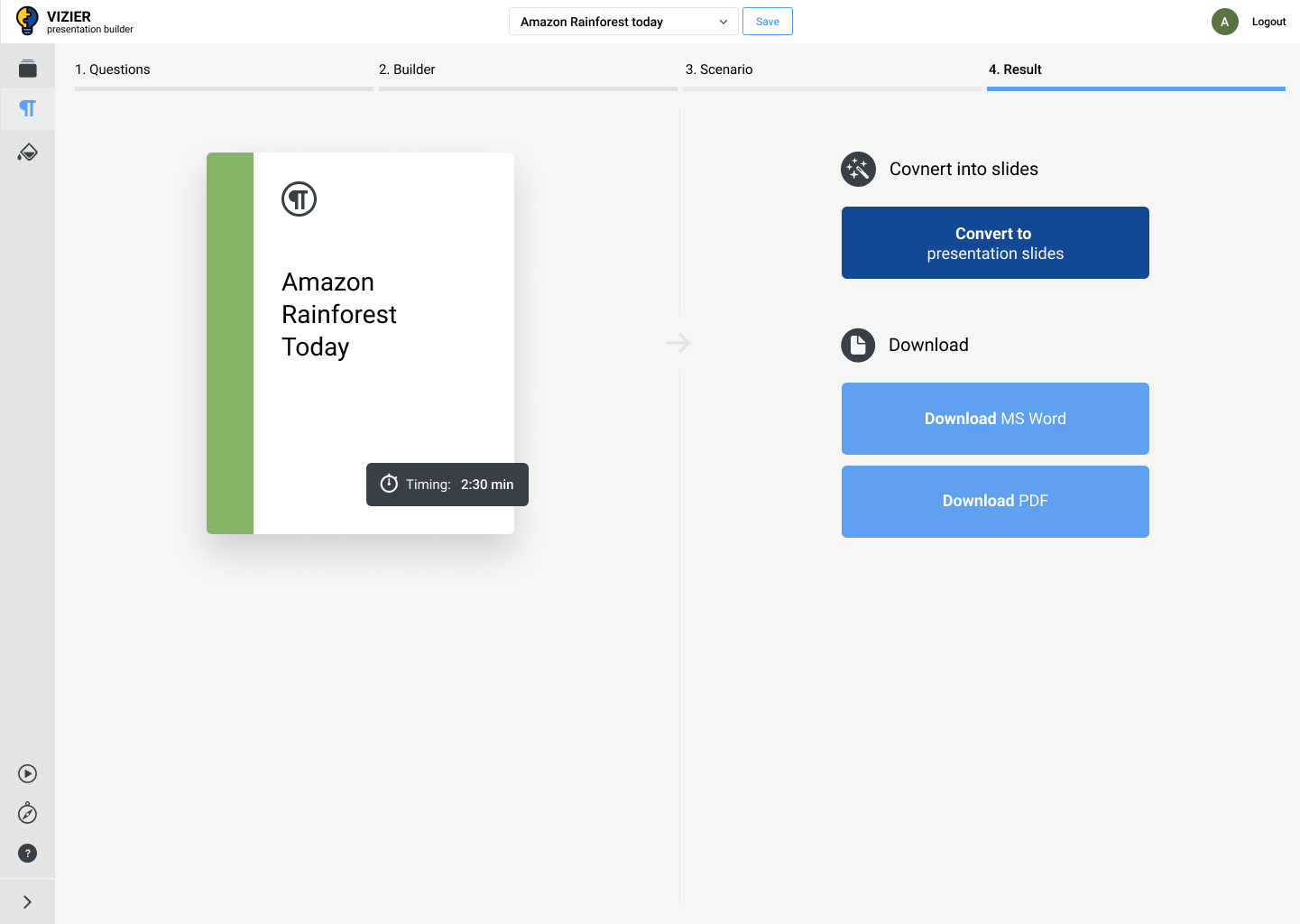
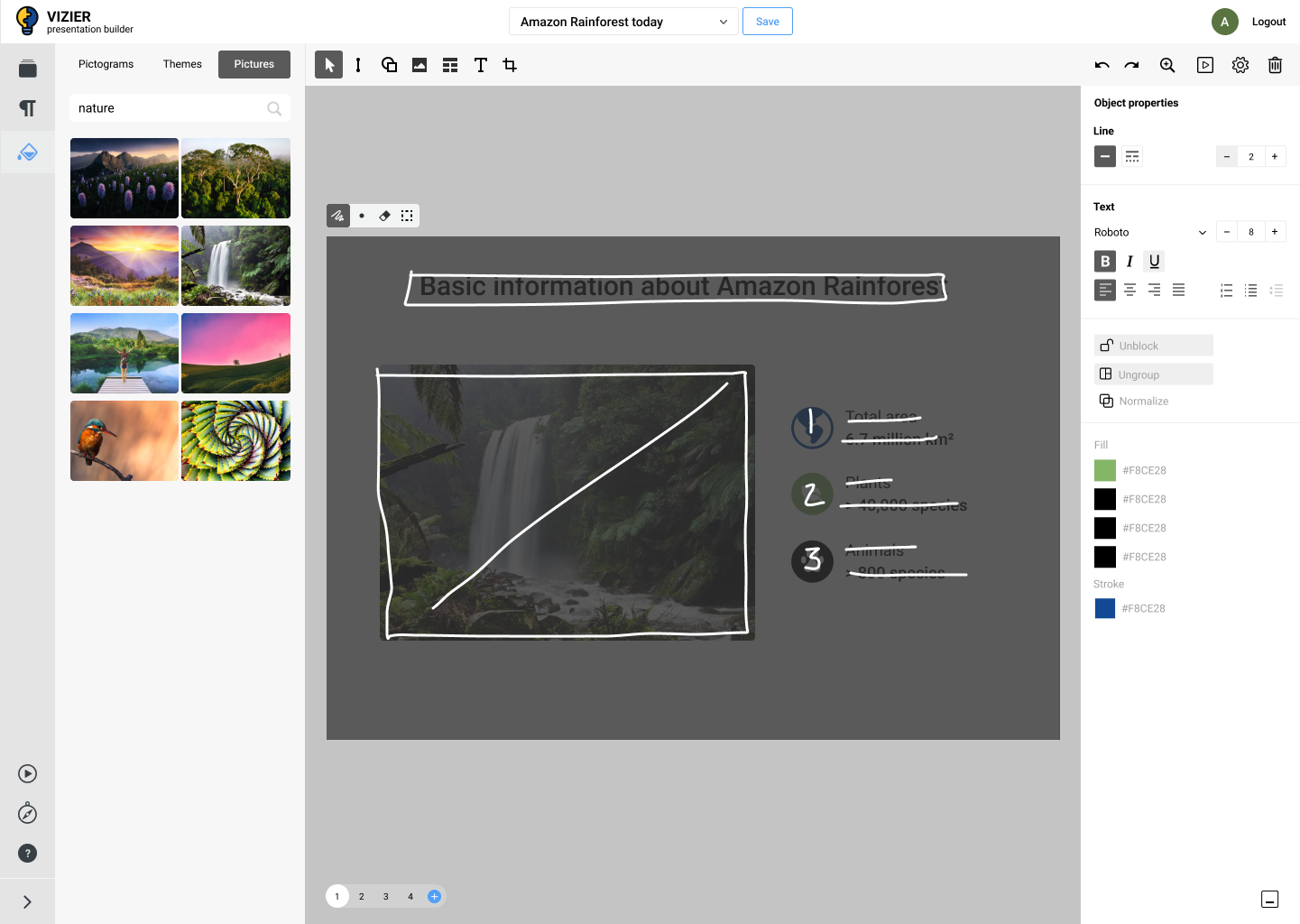
Final version of the platform UI:
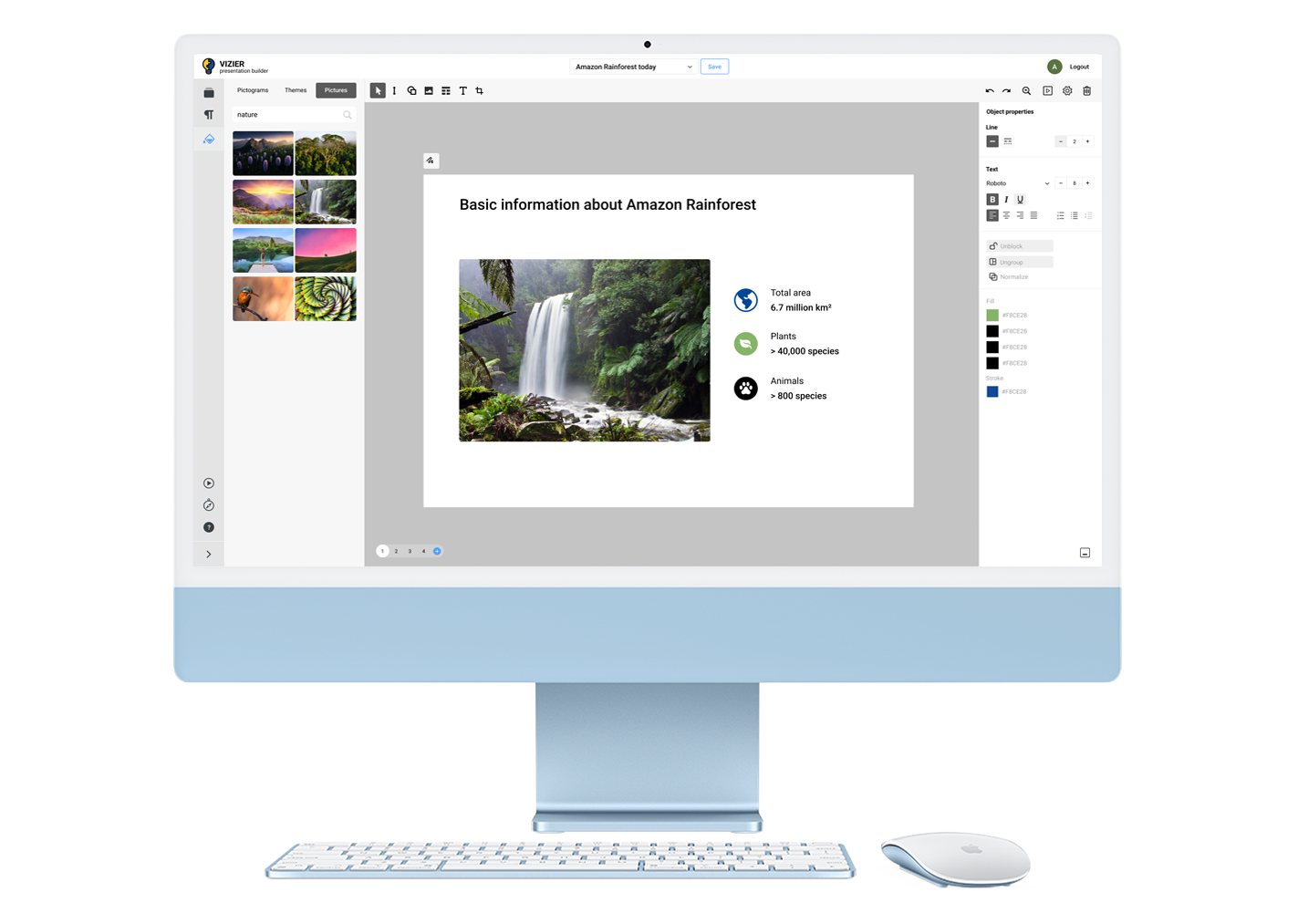
At this stage we started to work with picture search engine logic. Creating an algorithm for displaying a relevant result from thousands of images was also a difficult UX task.
The result
The system received positive feedback from different age and social groups of users
Even a person without presentation skills, such as a primary school student, can create a report or abstract for the school from the first session.
The platform has been evaluated by government organizations in one of the countries of the world and plans to organize test use in several educational institutions.